TP-Link AC2600 Wi-Fi Range Extender – TL-RE650

Brand:
  • Wi‑Fi Standard: Dual‑band AC2600 (800 Mbps @ 2.4 GHz + 1733 Mbps @ 5 GHz)

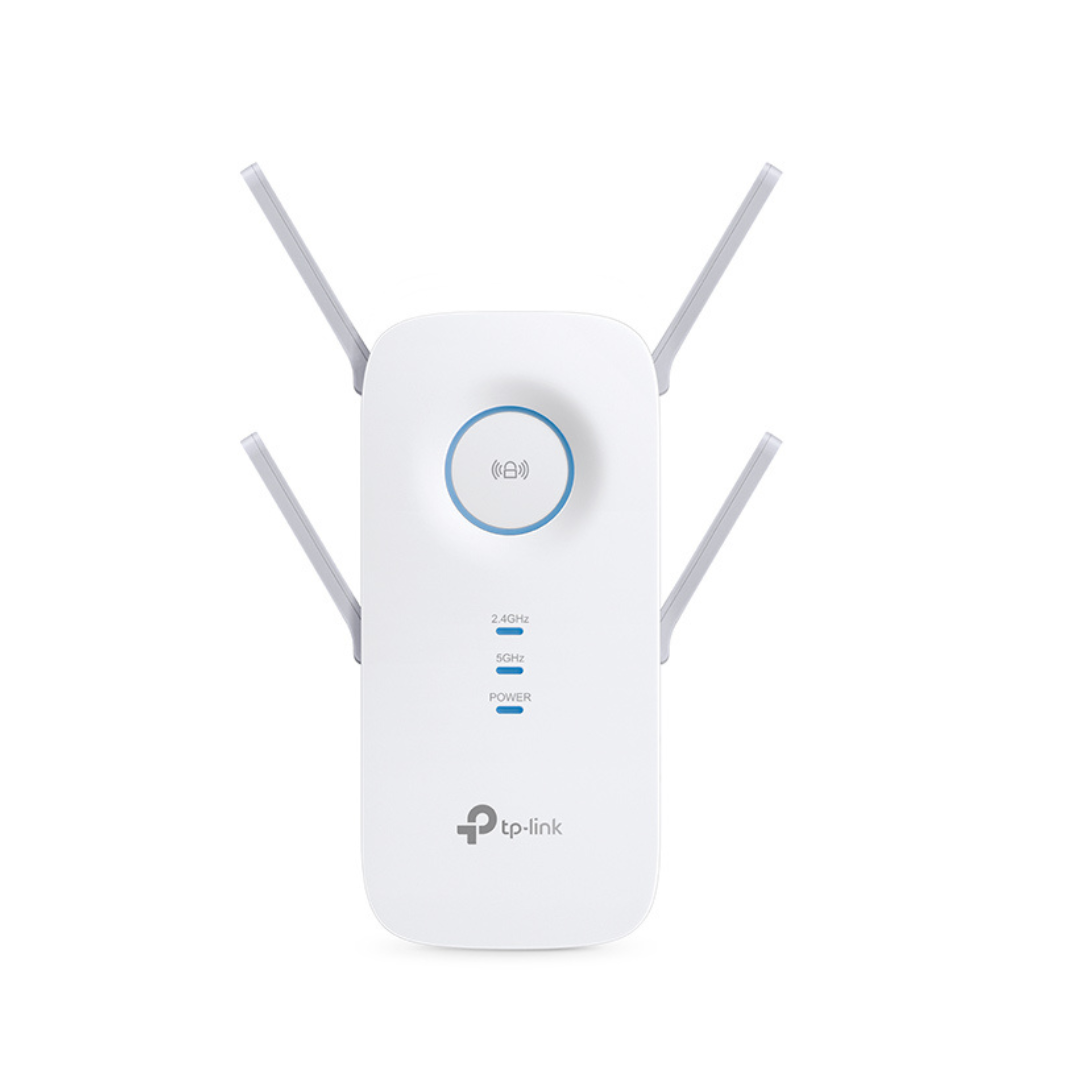
  • Antennas: Four external high‑gain antennas with beamforming

  • Processor / Chipset: High‑performance chipset for stable throughput (manufacturer-tuned)

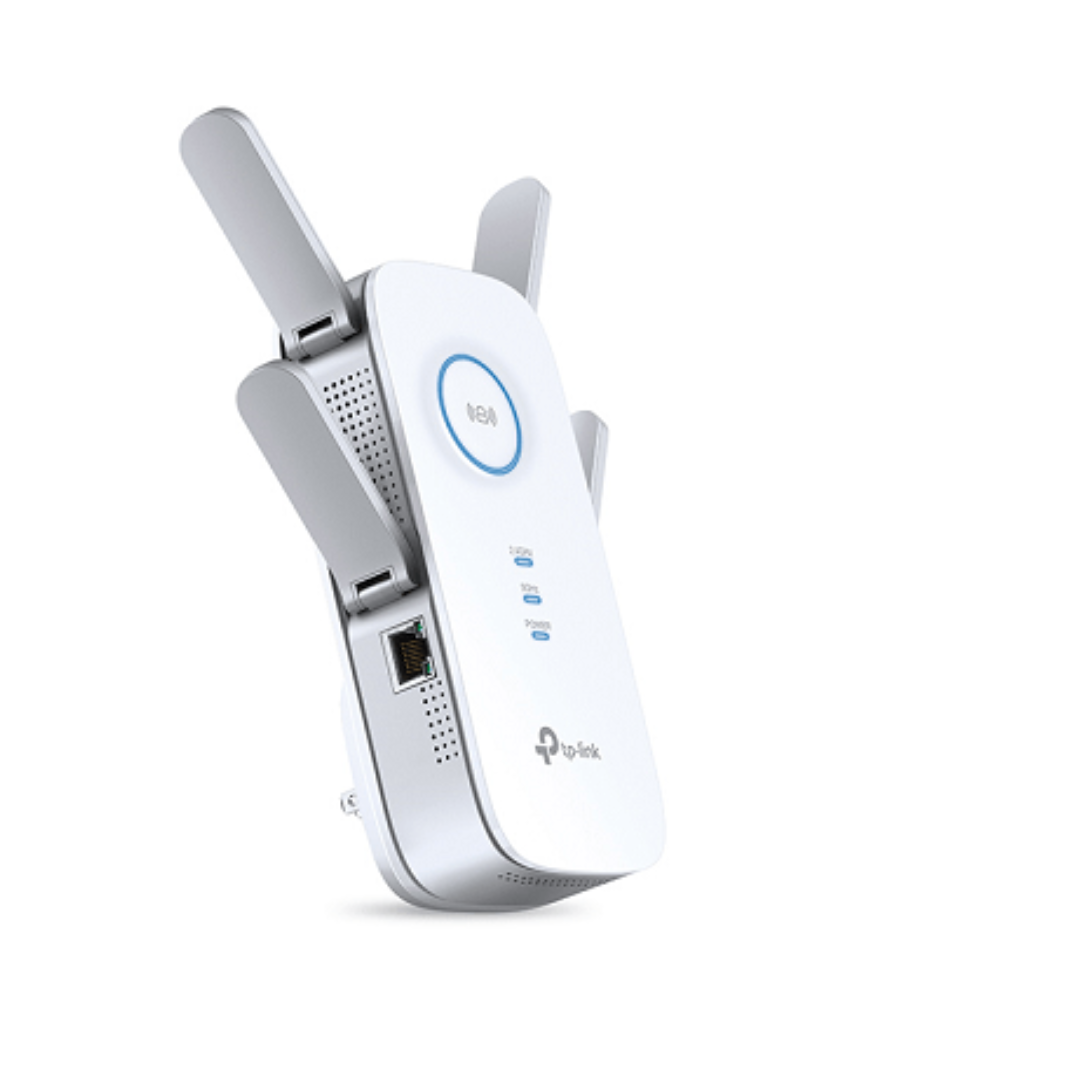
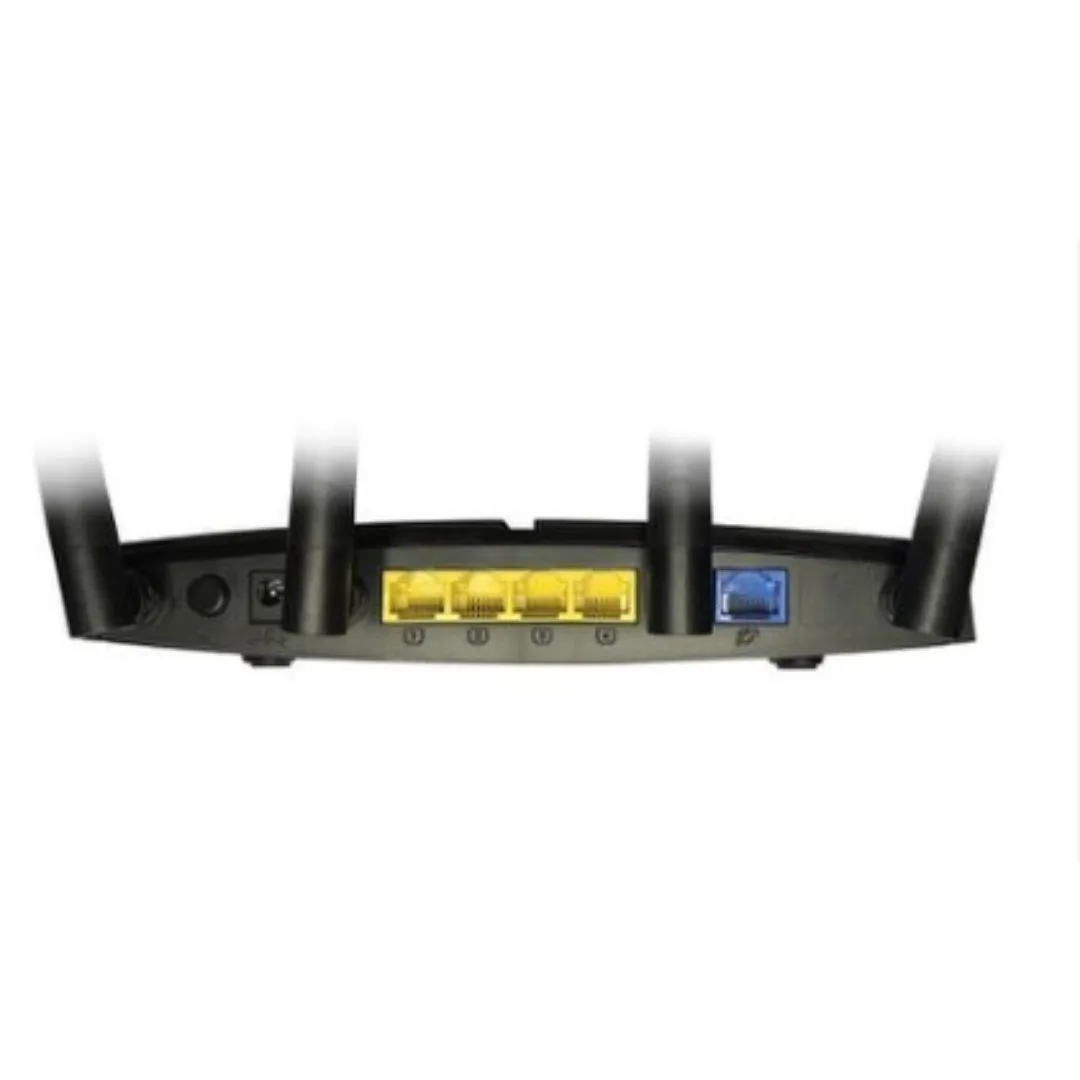
  • Ports: Gigabit Ethernet port for wired device connection

  • Modes: Range Extender mode, Access Point mode, Router compatibility

  • Security: WPA/WPA2 encryption, guest network support

  • Setup: TP‑Link Tether app and web GUI for quick setup

KSh 12,800.00 Exclusive of 16% VAT

Description

TP-Link AC2600 Wi-Fi Range Extender – TL-RE650 Price in Kenya

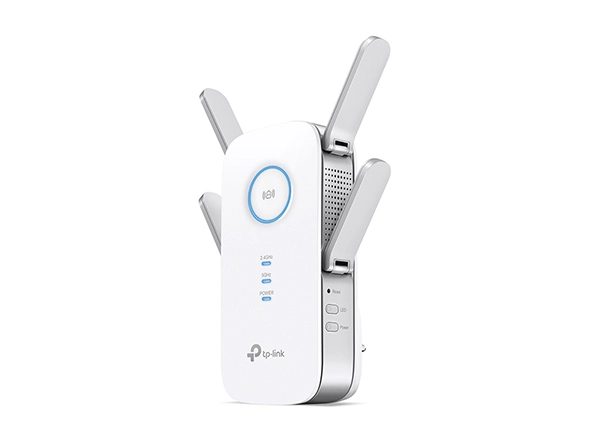
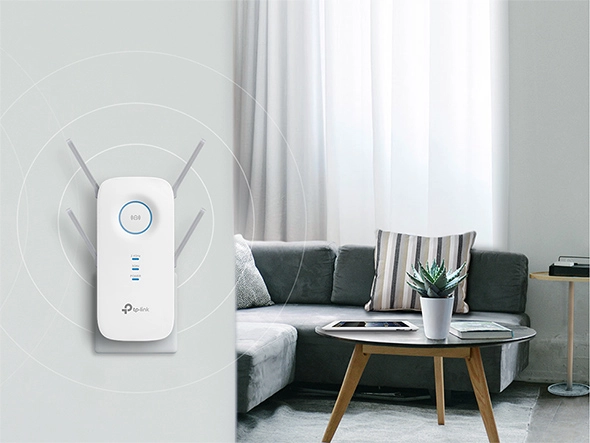
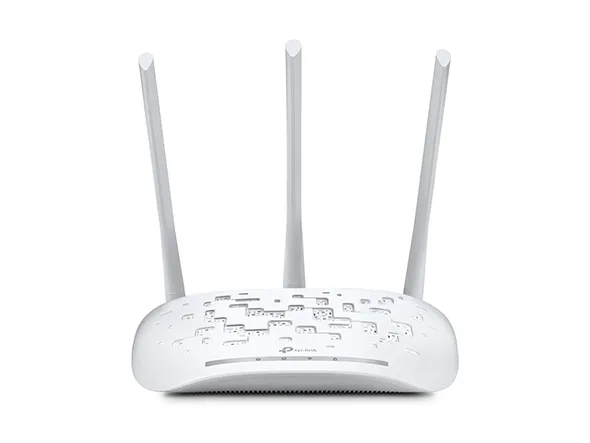
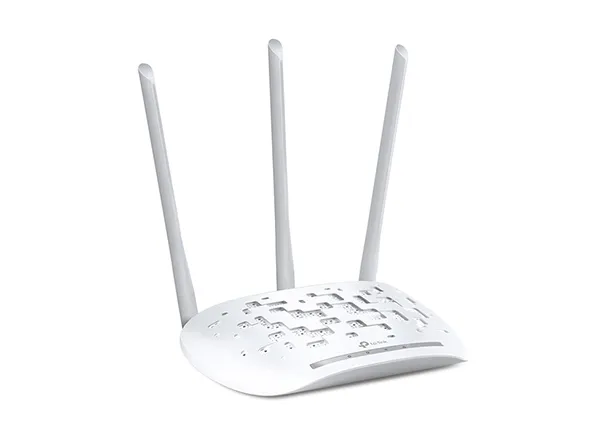
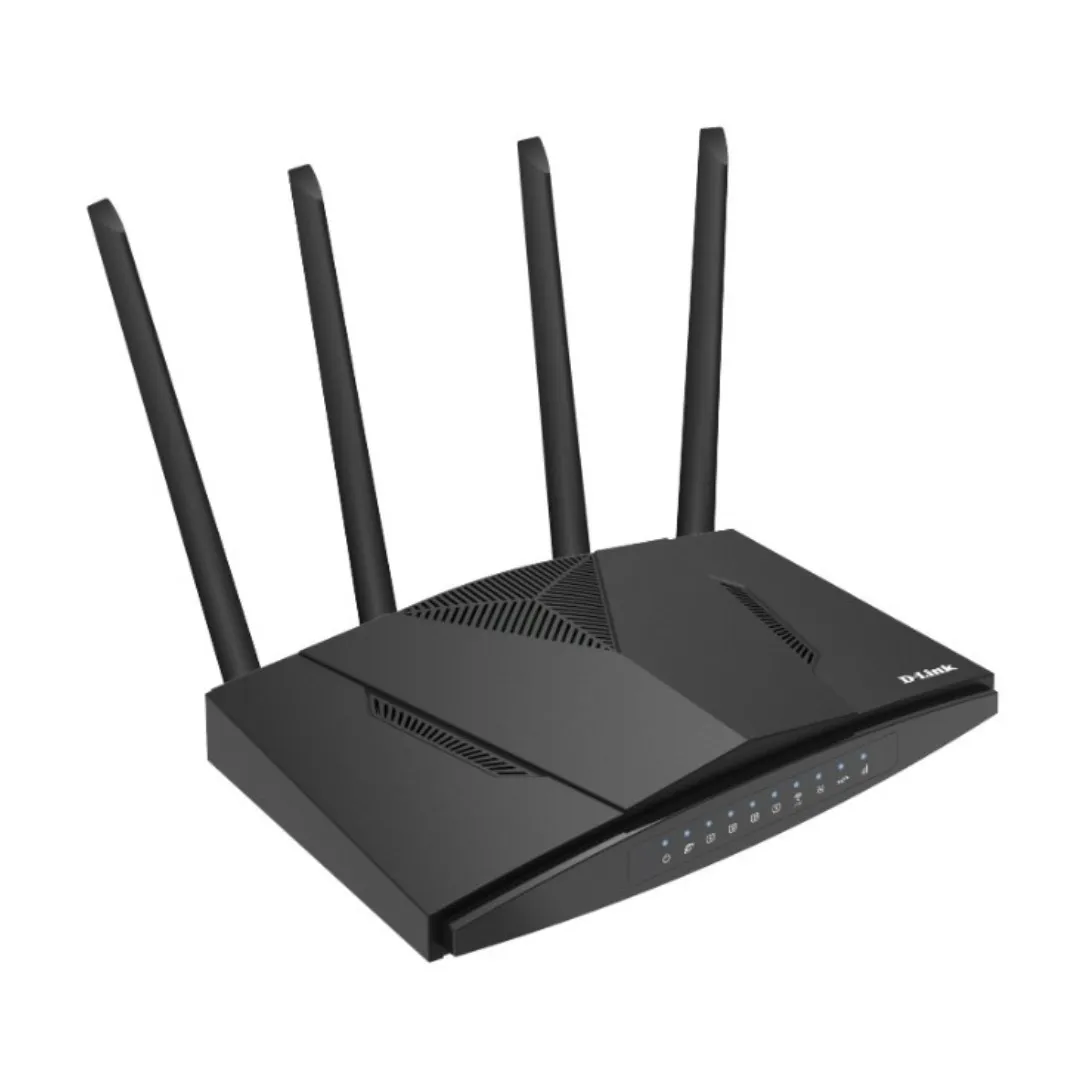
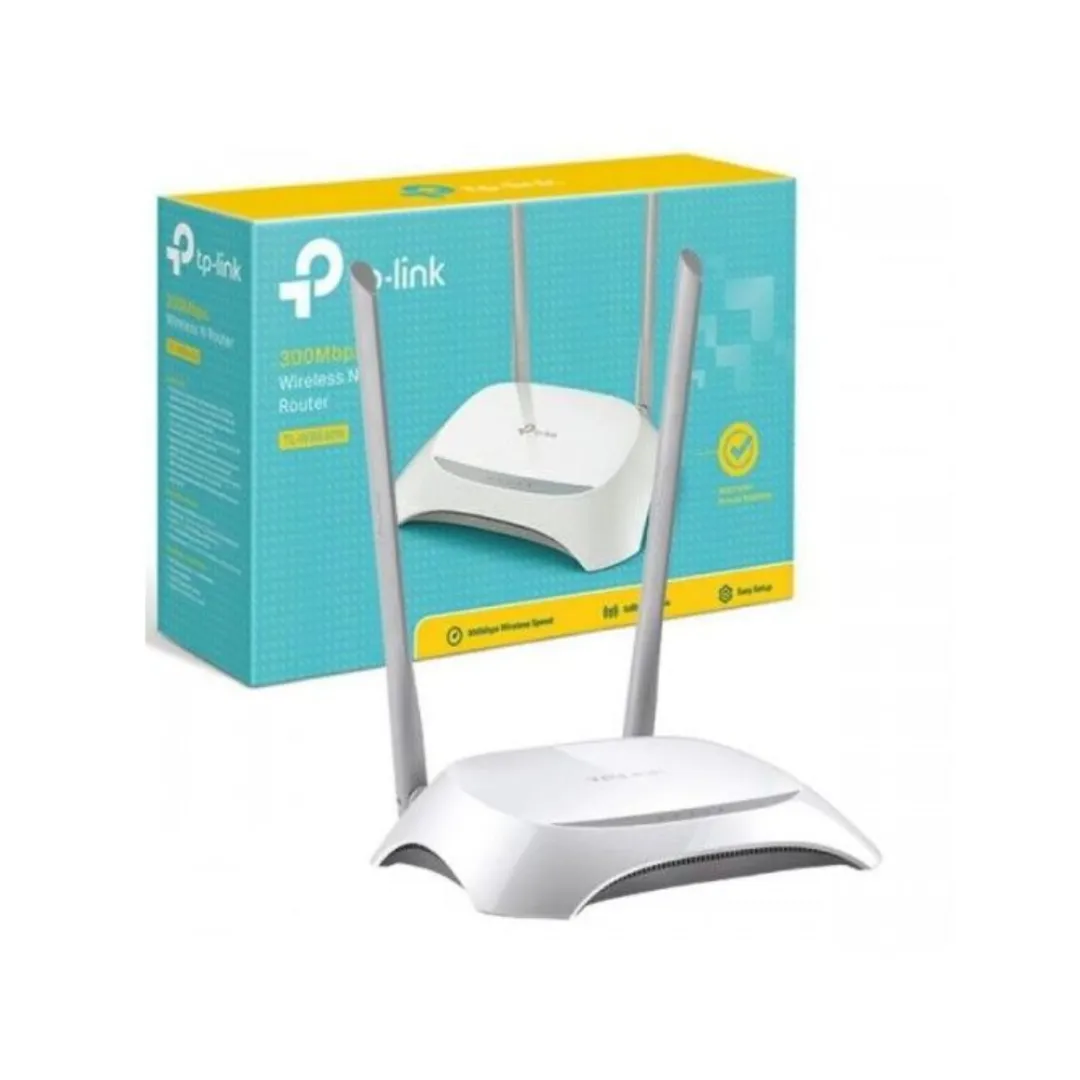
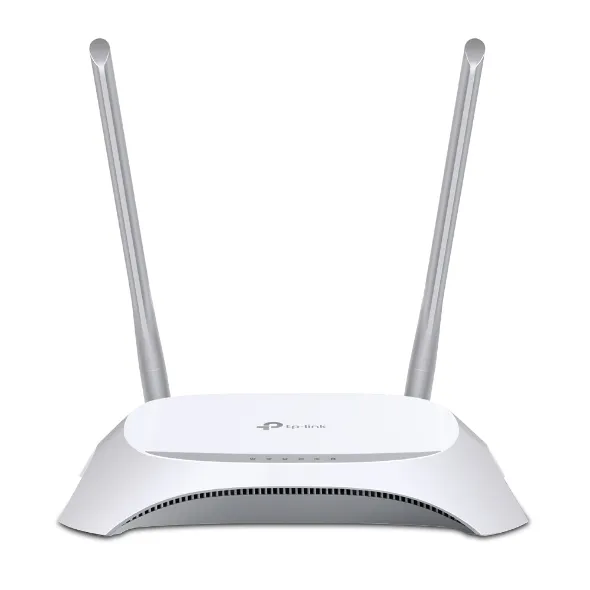
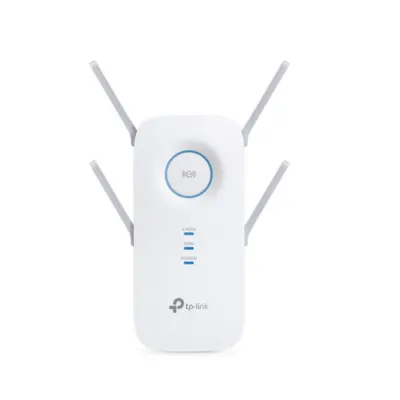
The TP‑Link AC2600 Wi‑Fi Range Extender TL‑RE650 sports a compact, wall‑plug design with four external antennas for stronger directional coverage. The matte white finish blends into home and office environments, while the signal strength LEDs on the face make placement easy—move the unit until LEDs show optimal reception. The single Gigabit Ethernet port lets you connect smart TVs or consoles directly for lower latency. Overall, the TL‑RE650 balances unobtrusive styling with practical hardware, making it suitable for Kenyan households that need a discreet but powerful coverage boost.

Performance & Speed

Equipped to deliver AC2600 speeds, the TL‑RE650 supports simultaneous dual‑band performance—ideal for bandwidth‑hungry tasks such as 4K streaming and online gaming. MU‑MIMO technology helps the extender serve multiple devices at once without bottlenecking, while beamforming focuses the signal toward client devices for better throughput at range. In real‑world Nairobi homes with multiple smartphones, smart TVs, and laptops, expect noticeably smoother streaming and fewer dropouts when the extender is positioned correctly.

Coverage & Signal Strength

The TL‑RE650 expands Wi‑Fi range by eliminating dead zones across medium to large apartments and small office floors. The combination of four high‑gain antennas and beamforming delivers stronger, more consistent coverage through walls and across rooms. The signal strength LEDs simplify finding the sweet spot between your router and the area needing coverage. For best results in Nairobi homes, place the extender halfway between your existing router and the weak‑signal area to maximize throughput and extend reliable connections.

Setup & Usability

Setting up the TL‑RE650 is straightforward using the TP‑Link Tether app or the web GUI—no networking expertise required. Press WPS on your router and the extender for a one‑touch connection, or follow the app’s wizard for manual setup. The interface also allows switching to Access Point mode if you prefer running the device via Ethernet for dedicated new AP coverage. For local support or firmware updates in Kenya, register your device and check TP‑Link’s regional resources to keep performance and security current.

Security & Management

Security features include WPA/WPA2 encryption, guest network options, and WPS convenience, giving a balance between protection and ease of use. The TL‑RE650 supports basic access controls through the web UI and Tether app, letting you manage connected devices and set up parental controls. For Nairobi users who share networks with visitors, the guest network function is particularly useful—keep main devices secure while still offering internet access to guests.

Specification Details
Product Name TP‑Link AC2600 Wi‑Fi Range Extender TL‑RE650
Wi‑Fi Standard IEEE 802.11ac/n/g/b/a
Wireless Speed AC2600: 800 Mbps (2.4 GHz) + 1733 Mbps (5 GHz)
Antennas 4 external high‑gain antennas
Ports 1 × Gigabit Ethernet LAN/WAN
Modes Range Extender, Access Point
MU‑MIMO Yes
Beamforming Yes
Security WPA/WPA2, WPS support
LED Indicators Signal strength LEDs
Setup Tools TP‑Link Tether app, web management
Dimensions 190 × 135 × 48 mm (approx.; check box for exact)
Power DC adapter (included)
Operating Temperature 0 °C to 40 °C
Manufacturer TP‑Link
Model Number TL‑RE650
Warranty Manufacturer warranty (check local terms)