Xiaomi Mi Router 4A – Fast Wi-Fi 5 Price in Kenya
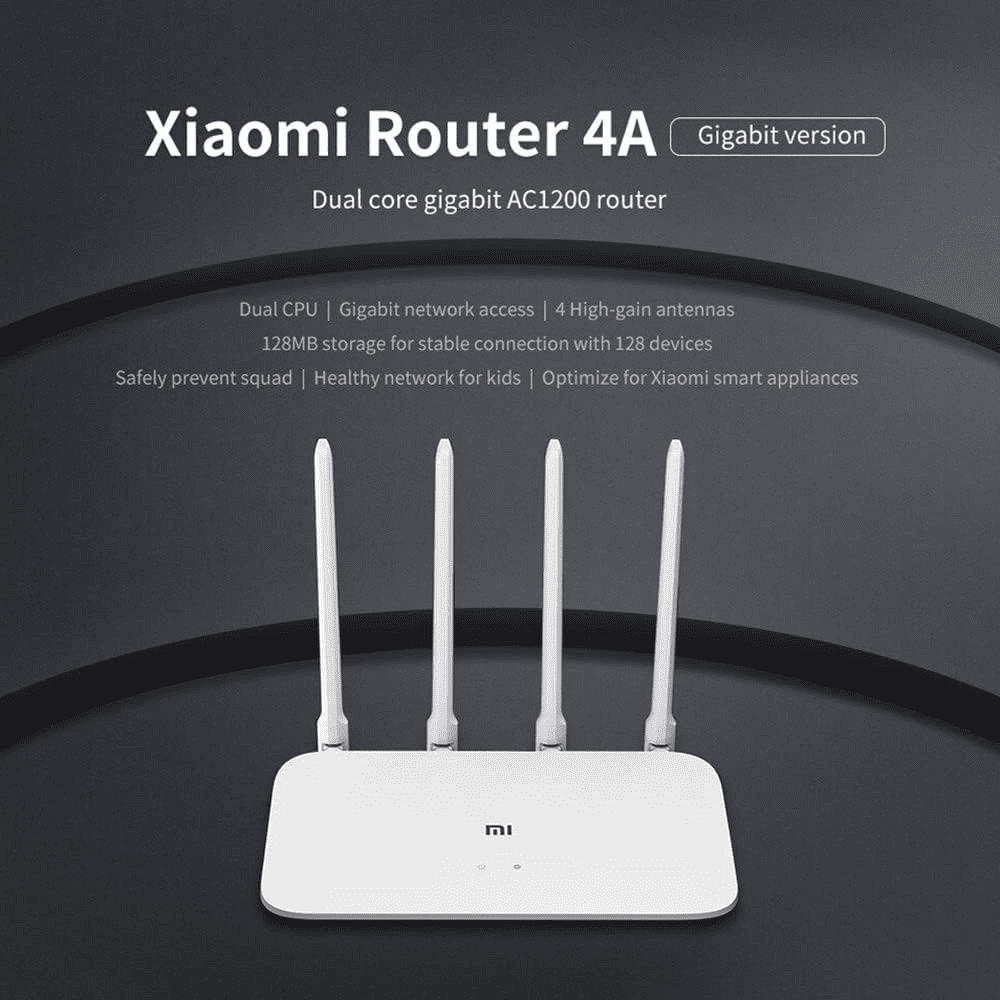
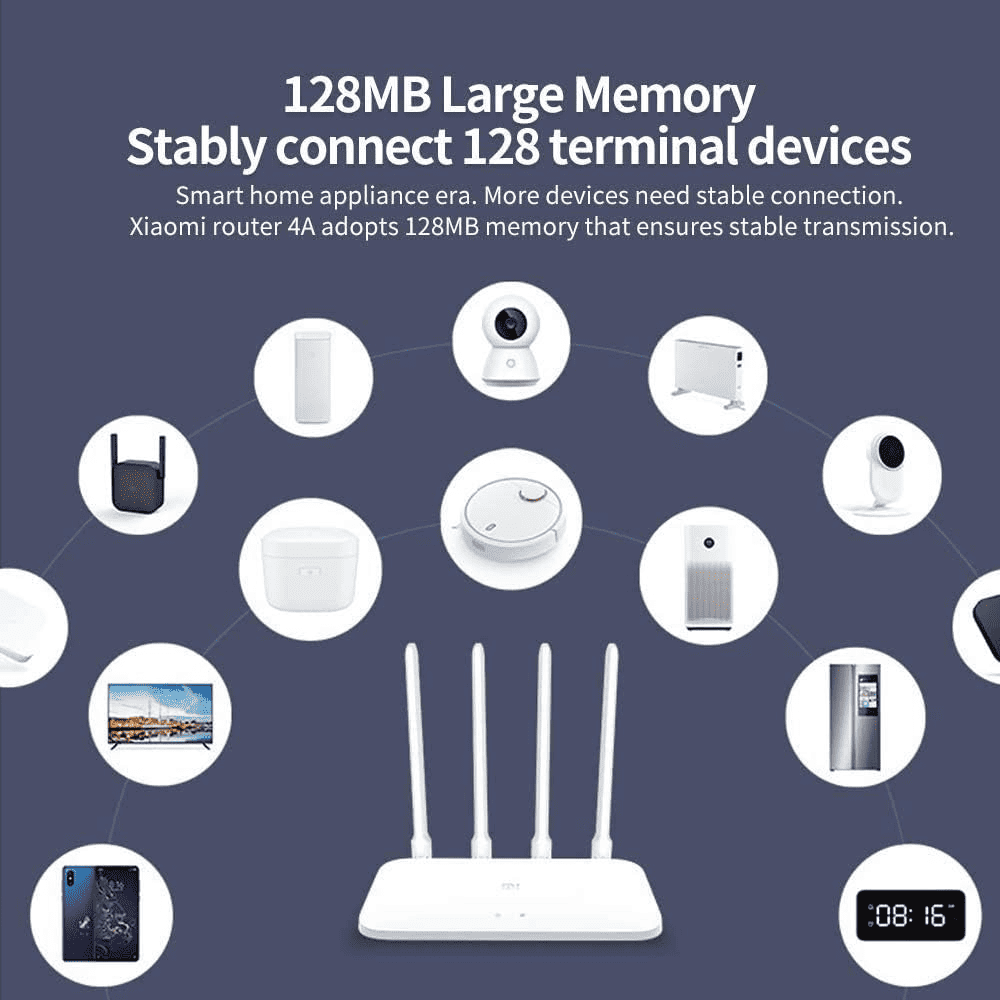
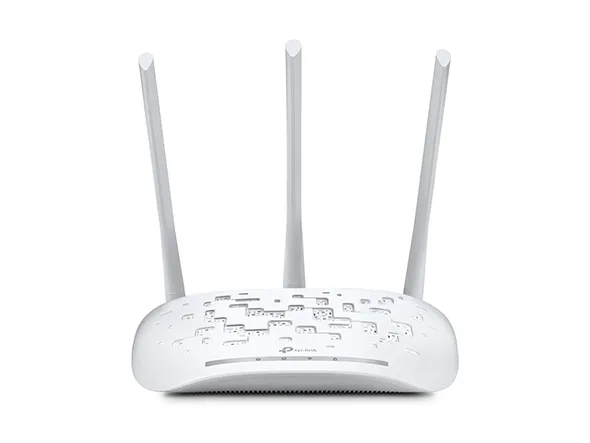
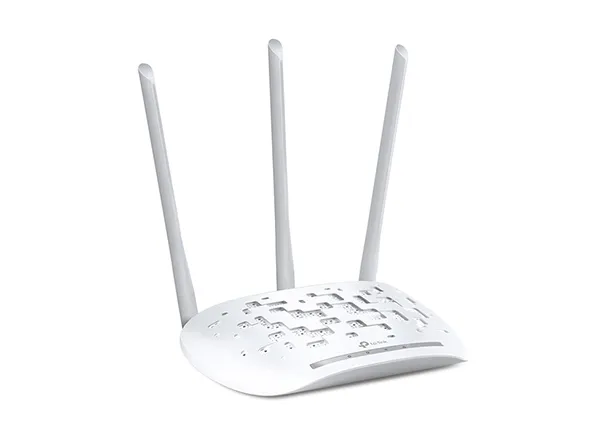
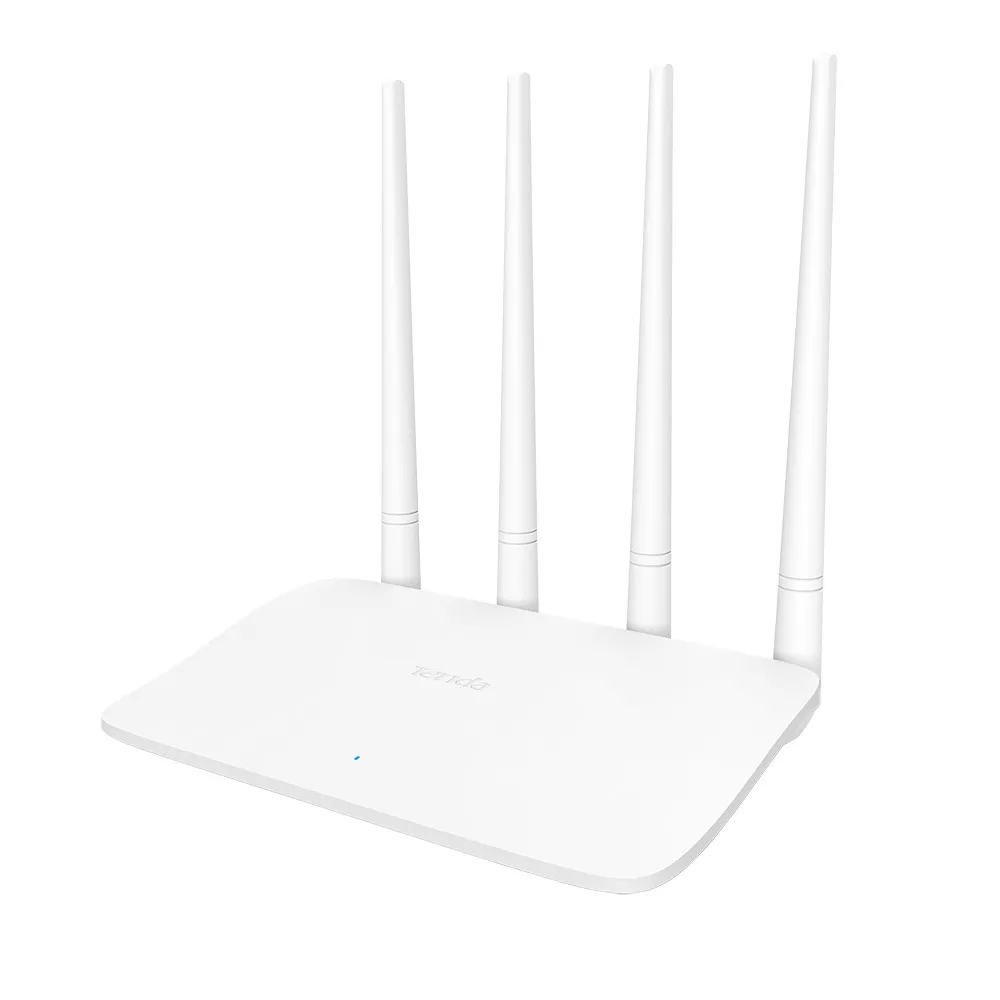
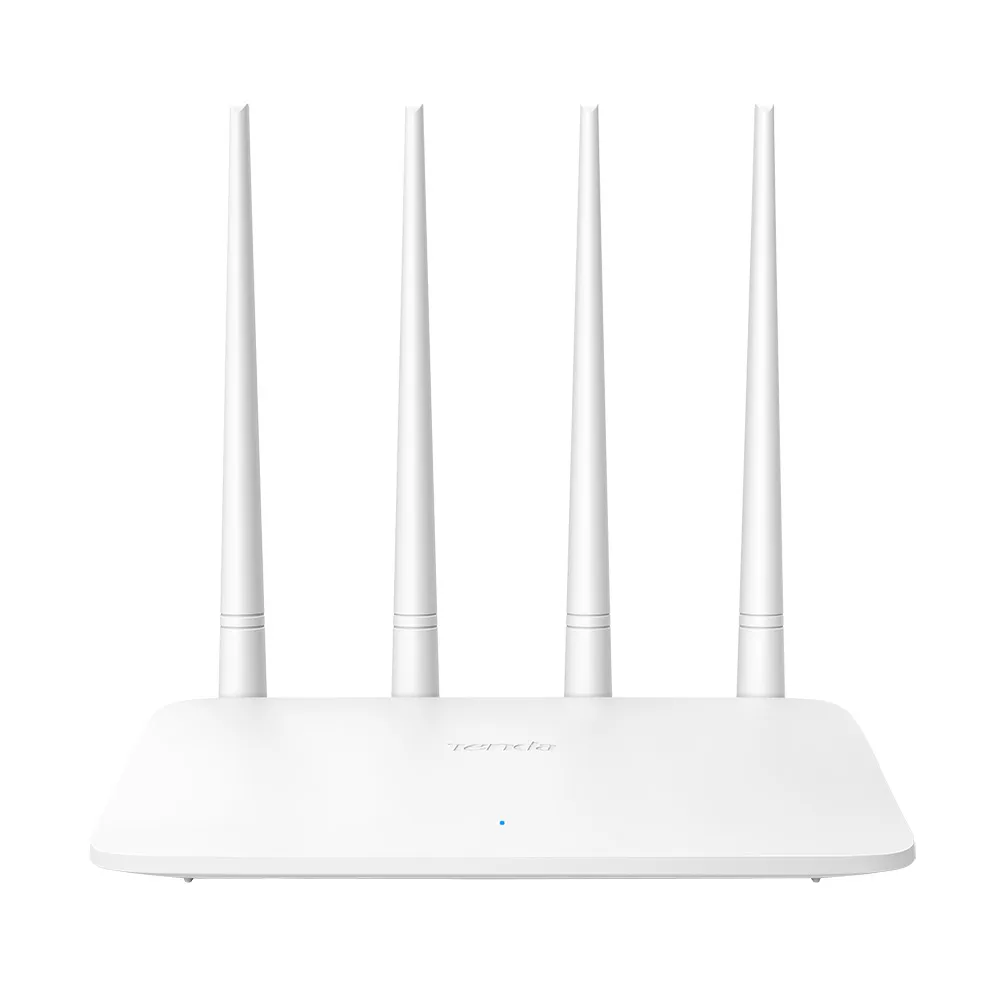
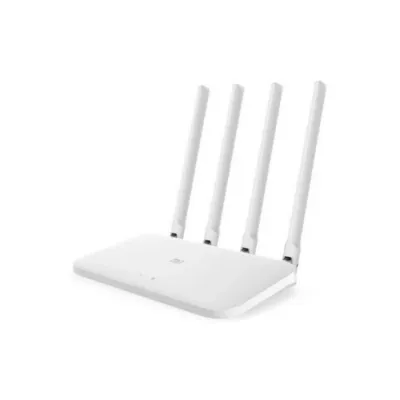
The Mi Router 4A uses a clean white design with four external high‑gain antennas that fold for easy placement on shelves or desks. Its compact footprint and passive cooling mean it runs quietly without fans, making it suitable for living rooms, bedrooms, or small offices in Nairobi apartments. The antenna layout and gain (5 dBi on 2.4 GHz, 6 dBi on 5 GHz) help push signal through walls better than many basic routers, improving coverage in typical 2–3 room setups. For Kenyan homes where the router often sits in a central cabinet or TV stand, the Mi 4A’s design balances aesthetics and practical heat management.
Wi‑Fi 5 Performance: Smooth Streaming and Gaming on Dual‑Band
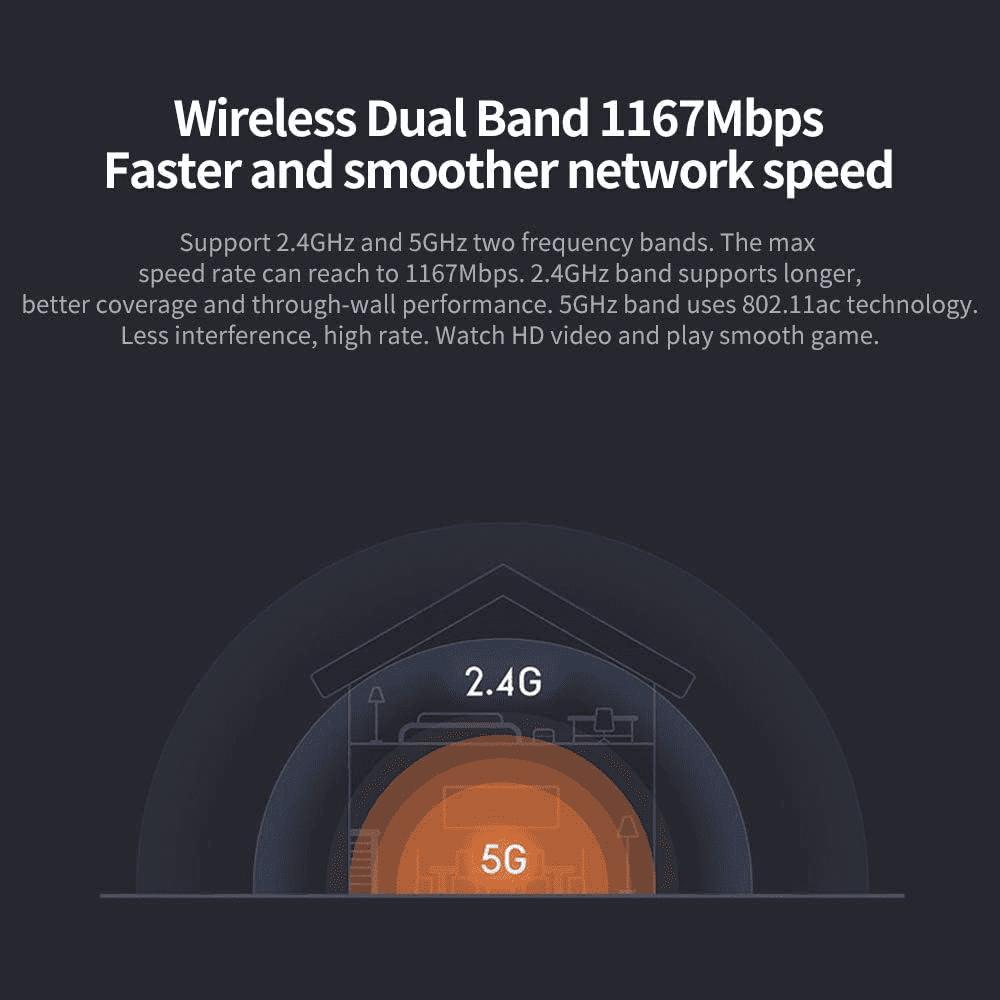
As a Wi‑Fi 5 (802.11ac) router, the Mi Router 4A delivers up to 867 Mbps on 5 GHz and 300 Mbps on 2.4 GHz, ideal for HD/4K streaming, video calls, and casual gaming. The dual‑band setup lets you put bandwidth‑heavy devices (smart TVs, laptops, consoles) on 5 GHz for lower interference, while phones and IoT gadgets use 2.4 GHz for better range. In real‑world use, this translates to smoother Netflix/YouTube playback, fewer buffering issues during peak hours, and more stable Zoom/Teams calls—key for remote workers and students in Kenya.
Coverage & Signal Strength: 4 Antennas for Wider Home Reach
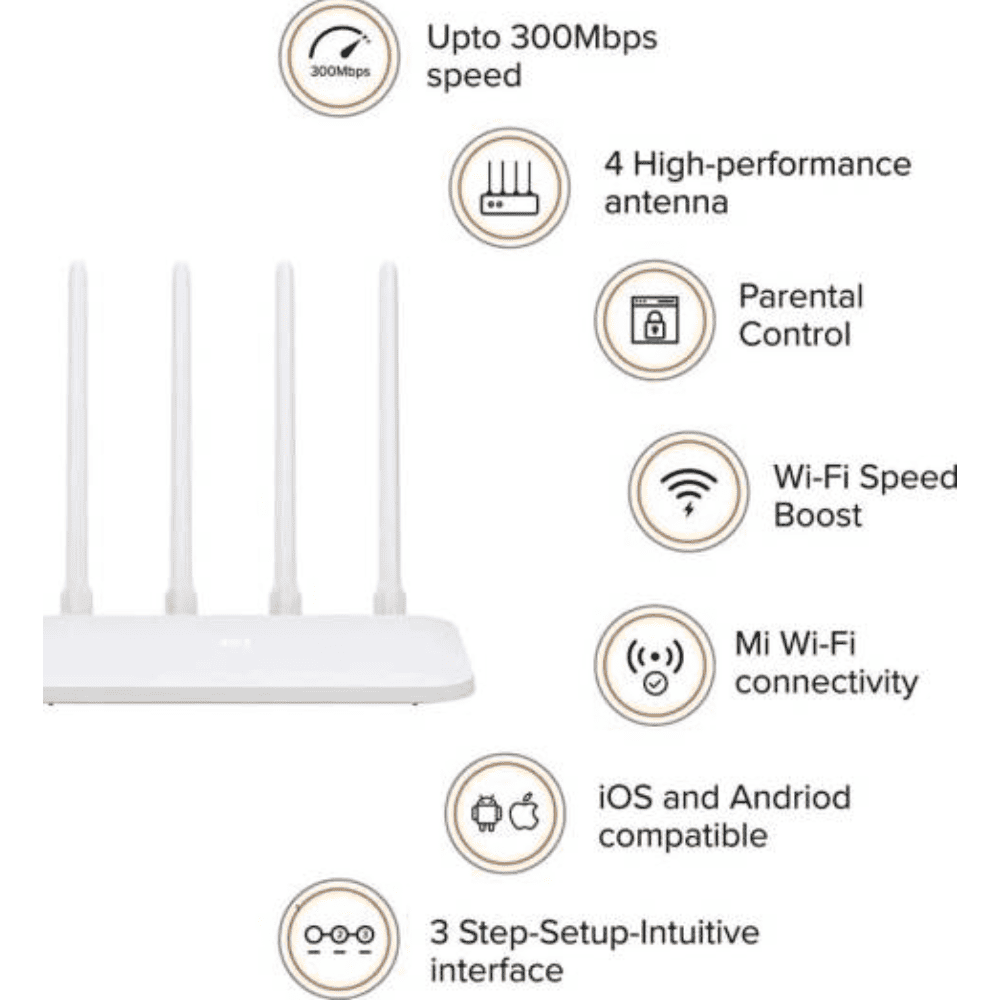
The four external omnidirectional antennas are a major advantage over routers with internal antennas, giving the Mi 4A stronger, more consistent signal across rooms. With 5 dBi and 6 dBi gain, the router can better cover medium‑sized flats and townhouses, reducing dead zones near kitchens or bedrooms. For larger homes, you can still extend coverage using Wi‑Fi repeaters or mesh nodes, but the Mi 4A often serves as a solid primary router for most Kenyan households.
Setup & Management: Easy Control via Mi Wi‑Fi App
Setting up the Mi Router 4A is straightforward: connect to your ISP modem, power on, and configure via the Mi Wi‑Fi app or web interface. The app lets you name networks, set passwords, manage connected devices, and enable parental controls without digging into complex menus. Features like SSID hiding, device black/white lists, and basic QoS help you prioritize work laptops or kids’ tablets during school hours. For non‑technical users in Kenya, this app‑first approach makes network management simple and accessible, while still offering enough controls for power users.
Security & Reliability: WPA2, Access Control, and Stable Uptime
Security is handled with WPA‑PSK/WPA2‑PSK encryption, plus options to hide your SSID and restrict access via MAC address filtering. These features help prevent neighbors from leeching your bandwidth—a common concern in densely populated estates. The router’s dual‑core processor and passive cooling contribute to stable uptime under typical home loads, handling multiple devices streaming and browsing simultaneously. While it’s not a high‑end gaming or enterprise router, the Mi 4A offers reliable, secure connectivity that matches the needs of most Kenyan families and small offices.
| Category |
Specification |
| Model |
Xiaomi Mi Router 4A (Dual‑Band AC1200) |
| Wi‑Fi Standard |
Wi‑Fi 5 (802.11ac), 802.11a/b/g/n |
| Bands |
Dual‑band: 2.4 GHz + 5 GHz |
| Max Wireless Speed |
1167 Mbps total (300 Mbps @ 2.4 GHz + 867 Mbps @ 5 GHz) |
| Antennas |
4 external omnidirectional (2× 2.4 GHz @ 5 dBi, 2× 5 GHz @ 6 dBi) |
| Processor |
MediaTek MT7621A dual‑core up to 880 MHz (Gigabit Edition) |
| RAM / ROM |
Up to 128 MB DDR3 / 16 MB (Gigabit Edition) |
| Ethernet Ports |
3× 10/100/1000 Mbps (2× LAN + 1× WAN, auto MDI/MDIX) |
| Wireless Security |
WPA‑PSK / WPA2‑PSK, access control, SSID hide, anti‑hacking |
| Management |
Mi Wi‑Fi app (iOS/Android), web interface |
| Power |
AC adapter (region‑specific plug) |
| Dimensions |
Approx. 188 × 100.5 × 175 mm (standard); ~201 × 122 × 174 mm (Gigabit) mi+1 |
| Cooling |
Passive cooling |
| LED Indicators |
Status LED for power/internet/Wi‑Fi |