Apple Pencil Pro Price in Kenya
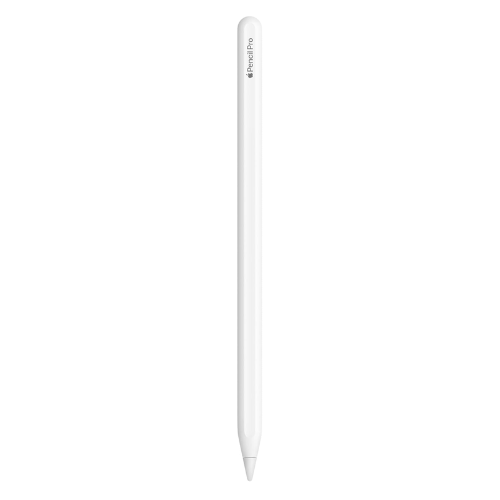
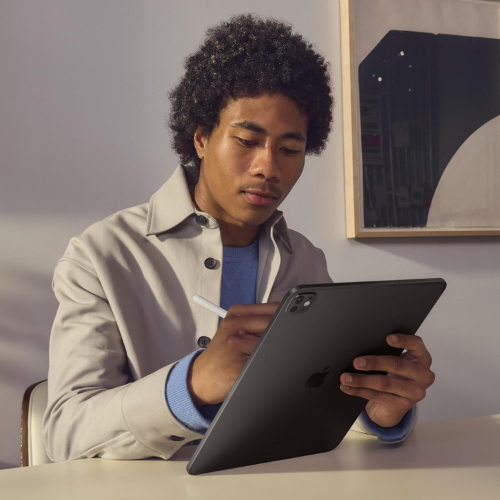
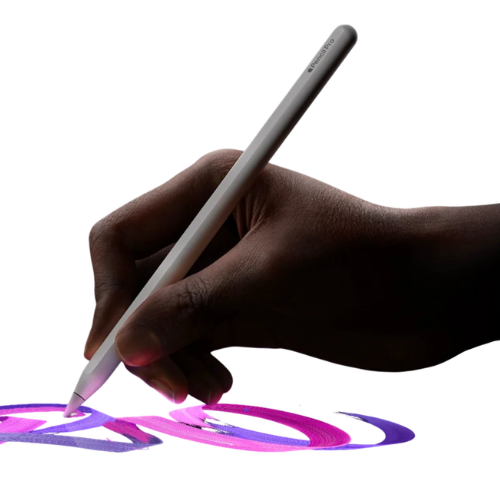
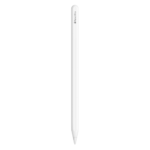
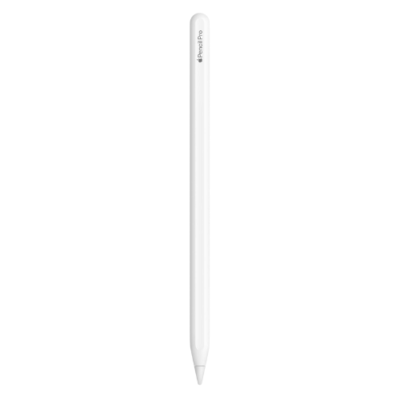
The Apple Pencil Pro features a sleek, minimalist design that mirrors Apple’s signature aesthetic while improving ergonomics for long creative sessions. Its flat edge prevents rolling on desks and provides a natural grip position, while the lightweight 19.15 g body ensures comfort during extended drawing or note-taking. The matte finish offers excellent traction, reducing hand fatigue and improving control for detailed work.
This design is not just about looks; it is built for professionals who demand reliability. The magnetic attachment means it snaps securely to your iPad, charges automatically, and is always ready when inspiration strikes. For users in Kenya who work on the go, this seamless integration eliminates the hassle of cables or separate charging docks.
Performance & gesture controls
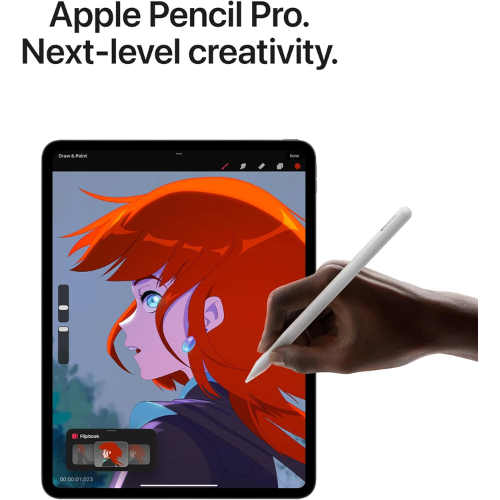
What sets the Apple Pencil Pro apart is its advanced gesture system that transforms how you interact with your iPad. The Squeeze gesture instantly brings up a tool palette, letting you switch brushes, colors, or line weights without breaking your creative flow. Meanwhile, the Barrel Roll feature uses a built-in gyroscope to rotate the pencil, adjusting brush angles for calligraphy, shading, or shaped tools with surgical precision.
These controls are complemented by haptic feedback, a light pulse you feel when a gesture is recognized, confirming your action without needing to look away from your canvas. For digital artists, designers, and annotators, this means faster workflows and more intuitive control, making the Pencil Pro feel like a true extension of your hand.
Display precision & hover technology
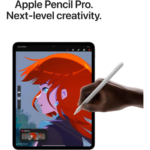
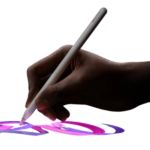
Precision is where the Apple Pencil Pro truly shines, offering pixel-perfect accuracy and ultra-low latency that makes every stroke feel immediate and natural. The Hover feature takes this further by showing a virtual shadow of your tool on the screen before the tip touches down, allowing you to position lines, shapes, or text with confidence. This is especially valuable for detailed illustrations, technical drawings, or precise note-taking.
Combined with pressure and tilt sensitivity, the Pencil Pro adapts to your hand pressure and angle, producing thicker or thinner lines just like a real pencil or brush. Whether you are sketching concepts, marking up PDFs, or creating finished artwork, this level of control ensures your digital output matches your creative vision.
| Specification |
Details |
| Product name |
Apple Pencil Pro |
| Length |
166 mm (6.53 inches) |
| Diameter |
8.9 mm (0.35 inches) |
| Weight |
19.15 g (0.68 ounces) |
| Sensors |
Squeeze sensor, Gyroscope (Barrel Roll) |
| Haptics |
Custom haptic engine for gesture feedback |
| Connectivity |
Bluetooth (automatic pairing) |
| Charging |
Magnetic wireless charging on iPad |
| Precision |
Pixel-perfect accuracy, low latency, pressure & tilt sensitivity |
| Hover support |
Yes, shows preview shadow on compatible displays |
| Double-tap |
Touch-sensitive surface for tool switching |
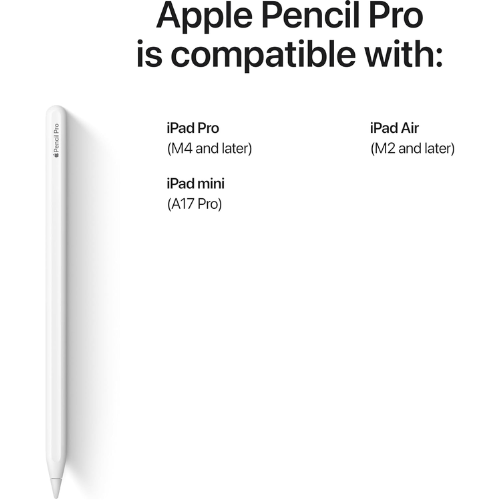
| Compatibility |
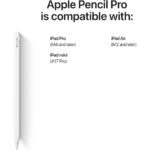
iPad Pro 13-inch (M4, M5), iPad Pro 11-inch (M4, M5), iPad Air 13-inch (M2, M3, M4), iPad Air 11-inch (M2, M3, M4), iPad mini (A17 Pro, 7th Gen) |
| Required OS |
iPadOS 17.5 or later |