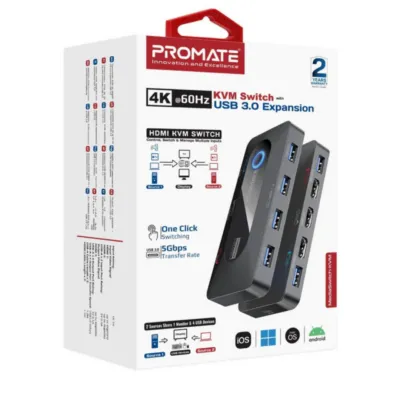
Promate MediaSwitch-KVM 4K@60Hz KVM Switch with USB 3.0 Expansion Price in Kenya
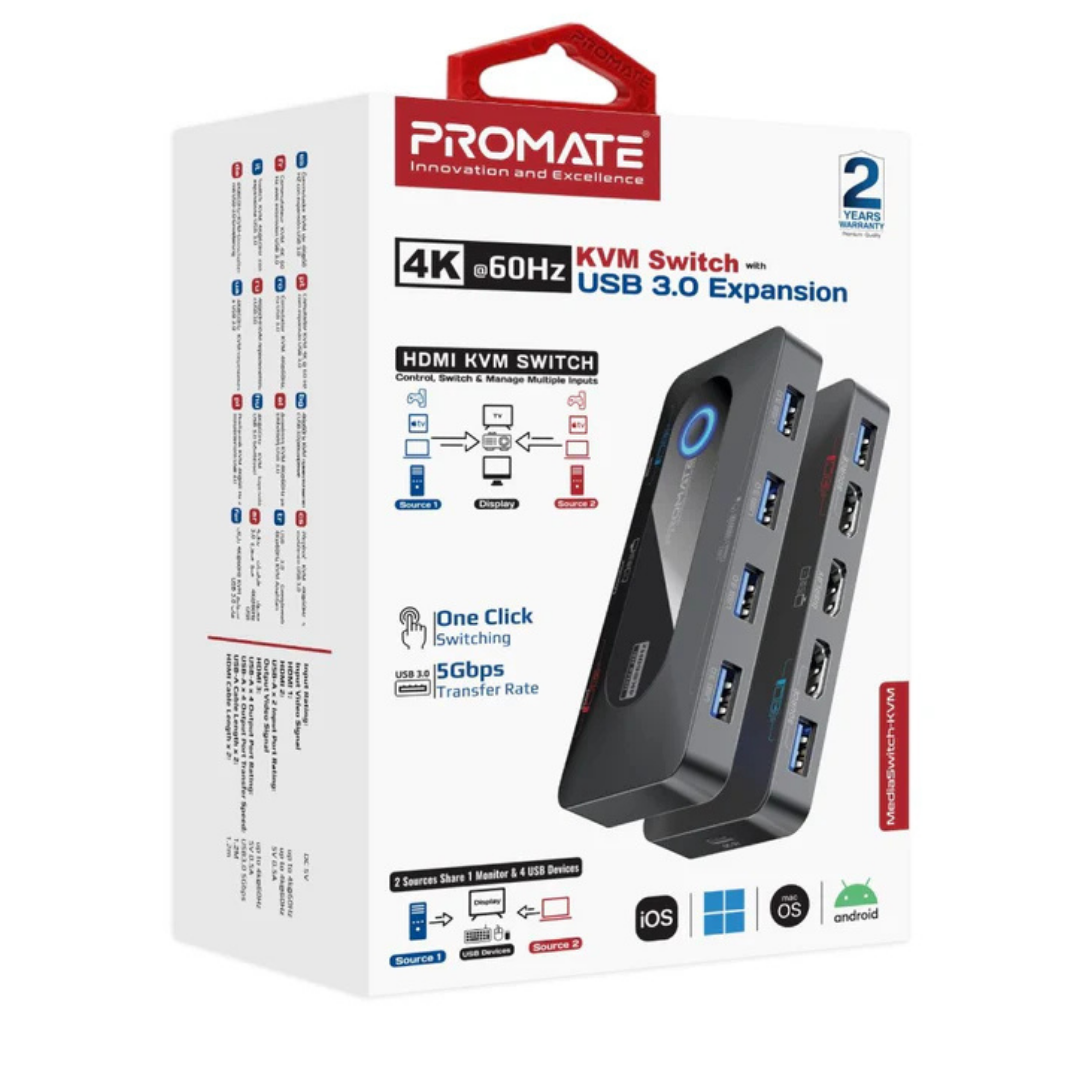
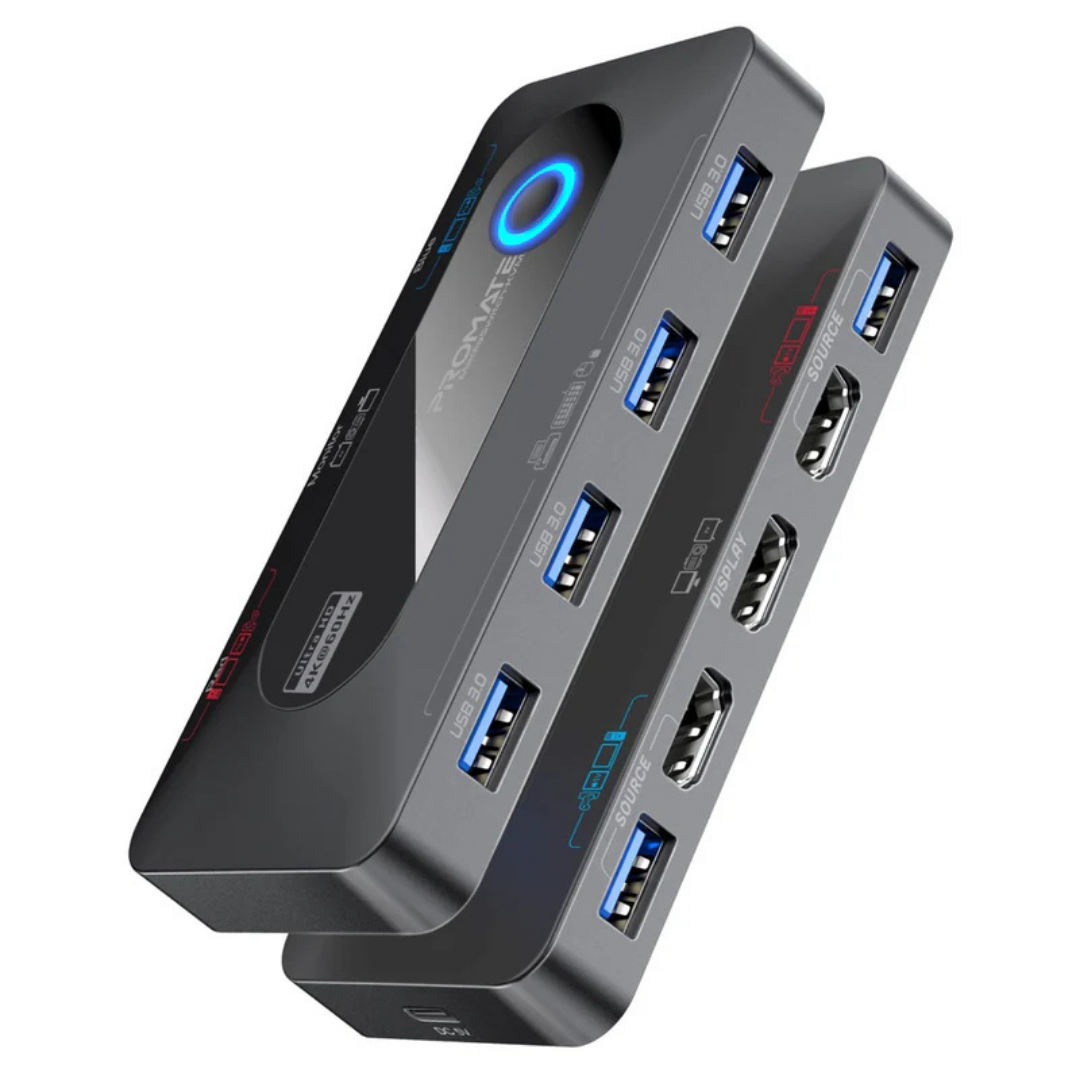
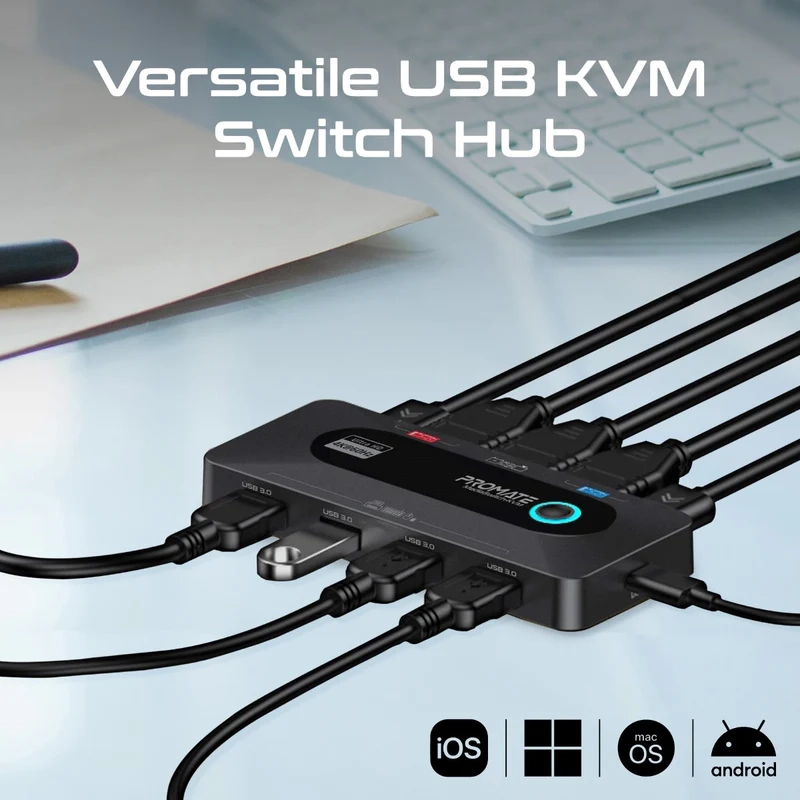
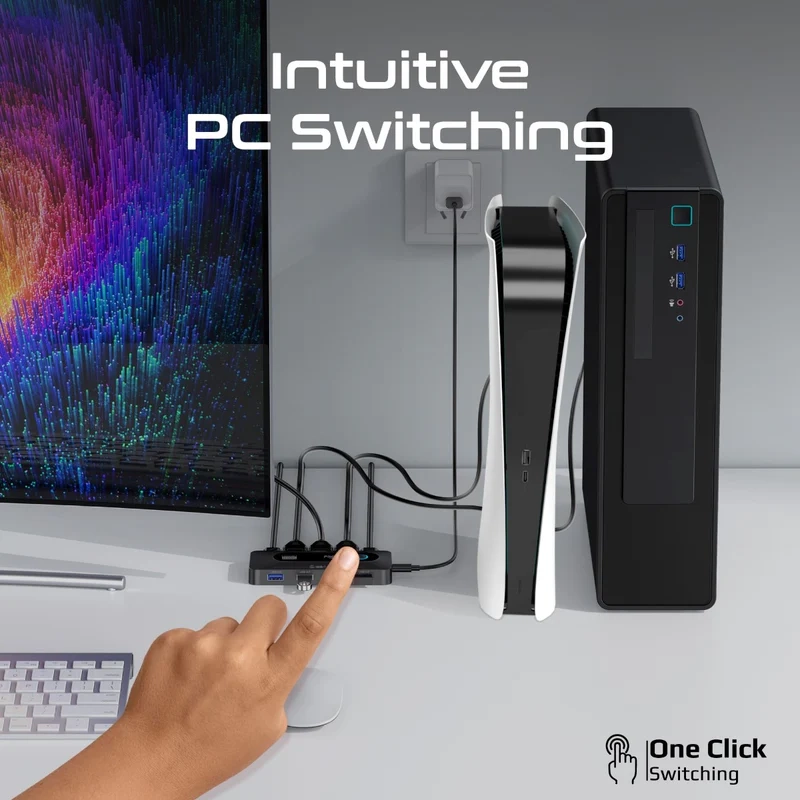
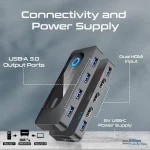
The MediaSwitch-KVM keeps a low-profile desktop footprint that fits beneath monitors or on crowded desks, providing a clean, professional look. The enclosure combines durable materials with a practical layout so ports are easily accessible, and included 1.2 m cables reduce clutter during setup. The single tactile switch on the front makes source selection obvious and quick, while indicator LEDs (where present) show active inputs at a glance.
Performance & Switching
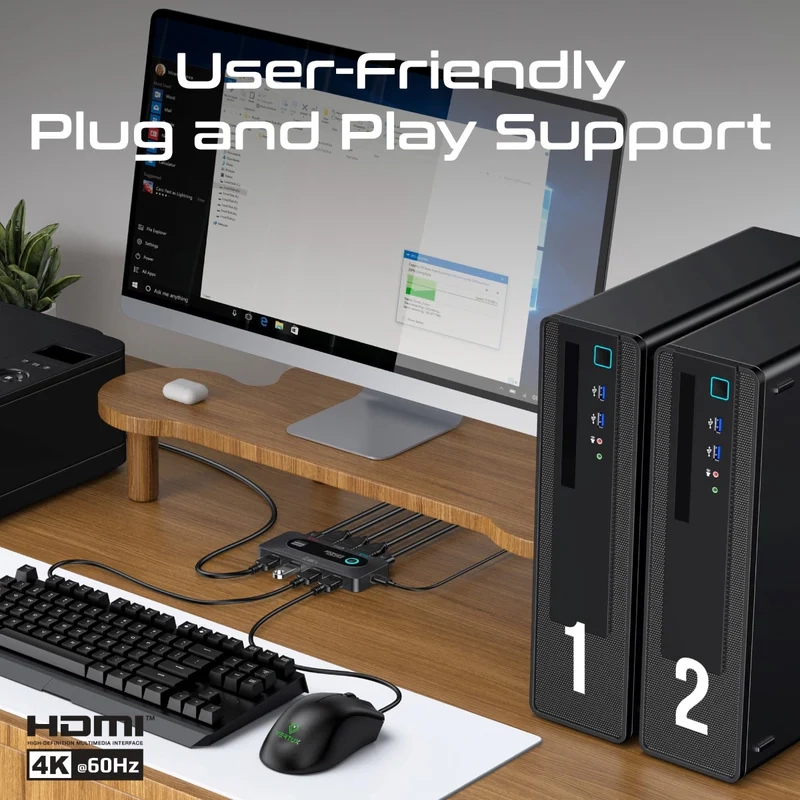
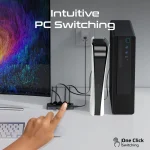
This KVM is engineered for reliable switching between two host systems without sacrificing image fidelity, supporting 4K@60Hz to preserve color depth and motion clarity for editing, CAD, or gaming workflows. Switching is immediate and stable, avoiding long re-detection delays common in lesser units; this ensures your keyboard and mouse regain control quickly after toggling. The plug-and-play behavior means minimal setup time — just connect, power, and go.
Display Quality & Compatibility
With HDMI inputs and output designed for 4K@60Hz throughput, the MediaSwitch-KVM maintains high-resolution detail and fluid motion, making it suitable for UHD monitors and high-end content work. The unit’s compatibility with standard HDMI-equipped devices also supports laptops, mini-PCs and streaming boxes without extra drivers. For HDR and color-critical tasks, ensure your monitor and source devices negotiate matching color/bit-depth settings for best results.
USB Expansion & Data Transfer
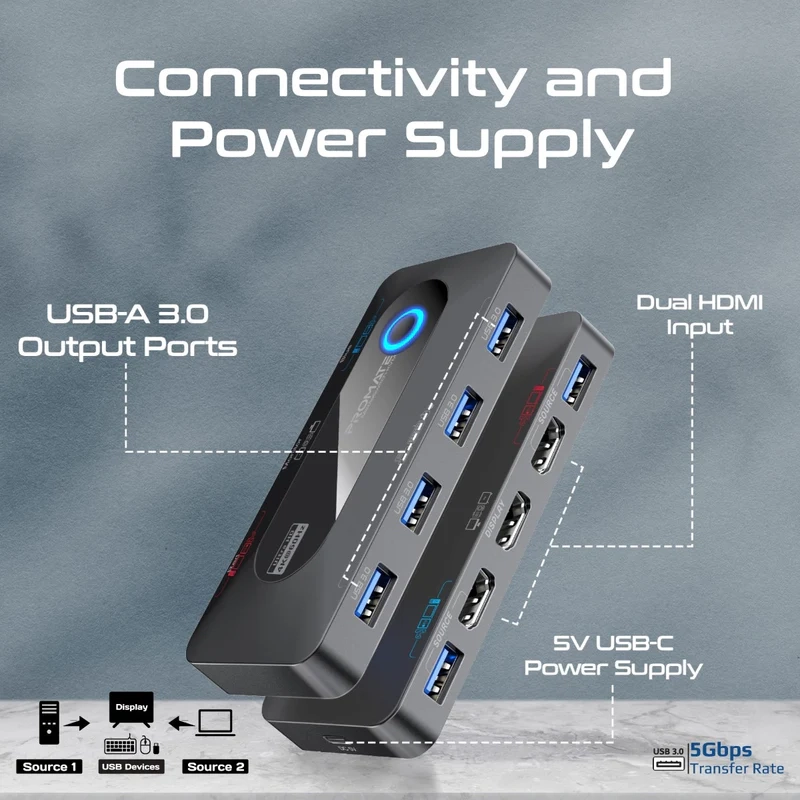
A major strength is the four USB 3.0 ports that provide up to 5 Gbps transfer speeds, enabling fast external SSD/file transfers, and the simultaneous use of USB headsets, webcams and other peripherals across both systems. Because the ports are USB 3.0, heavy data tasks like moving large video files are significantly faster than older USB 2.0 KVMs. The ports also supply peripheral power (rated per port), although high-draw devices may still need direct host connection or an externally powered hub.
Setup, Use Cases & Practical Tips
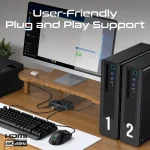
Setup is straightforward: connect each host’s HDMI and USB to the KVM, attach your monitor and peripherals to the output side, and power via USB-C. This makes the MediaSwitch-KVM perfect for dual-system desks where you run a powerful desktop for rendering and a laptop for mobility—switching instantly while sharing the same keyboard, mouse and drive. For best results, use the supplied cables and power the unit reliably to avoid transient handshake issues; when using high-refresh or HDR modes, confirm cable quality and monitor EDID settings.
| Specification |
MediaSwitch-KVM |
| Product Name |
Promate MediaSwitch-KVM 4K@60Hz KVM Switch with USB 3.0 Expansion |
| Video Inputs |
2 x HDMI (up to 4K@60Hz) |
| Video Output |
1 x HDMI (up to 4K@60Hz) |
| USB Ports (Host/Input) |
2 x USB-A input (for two hosts) |
| USB Ports (Peripheral/Output) |
4 x USB-A 3.0 output (5 Gbps) |
| USB Output Rating |
5V / 0.5A per port |
| Input Rating |
DC 5V |
| Power Input |
USB-C (5V) |
| Included Cables |
2 x HDMI-to-HDMI (1.2 m), 2 x USB-A-to-USB-A (1.2 m) |
| Switching Method |
Physical button (front) |
| Compatibility |
Windows, macOS, Linux, other HDMI-enabled devices |
| Plug & Play |
Yes (no driver required) |
| Material |
Metal + plastic (desk-friendly) |
| Dimensions |
Compact (manufacturer unspecified) |
| Warranty |
(varies by region; typically manufacturer warranty) |
| Use Case |
Multi-PC workstations, content creation, streaming, office setups |