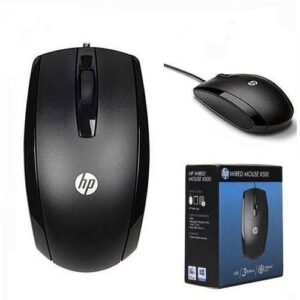
HP X500 Original Wired Mouse
HP X500 Original Wired Mouse KSh 700.00 Exclusive of 16% VAT
Back to products
Portable Adjustable Aluminium Laptop Stand
Portable Adjustable Aluminium Laptop Stand KSh 1,500.00 Exclusive of 16% VAT
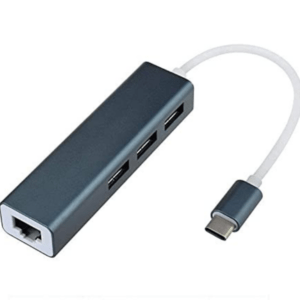
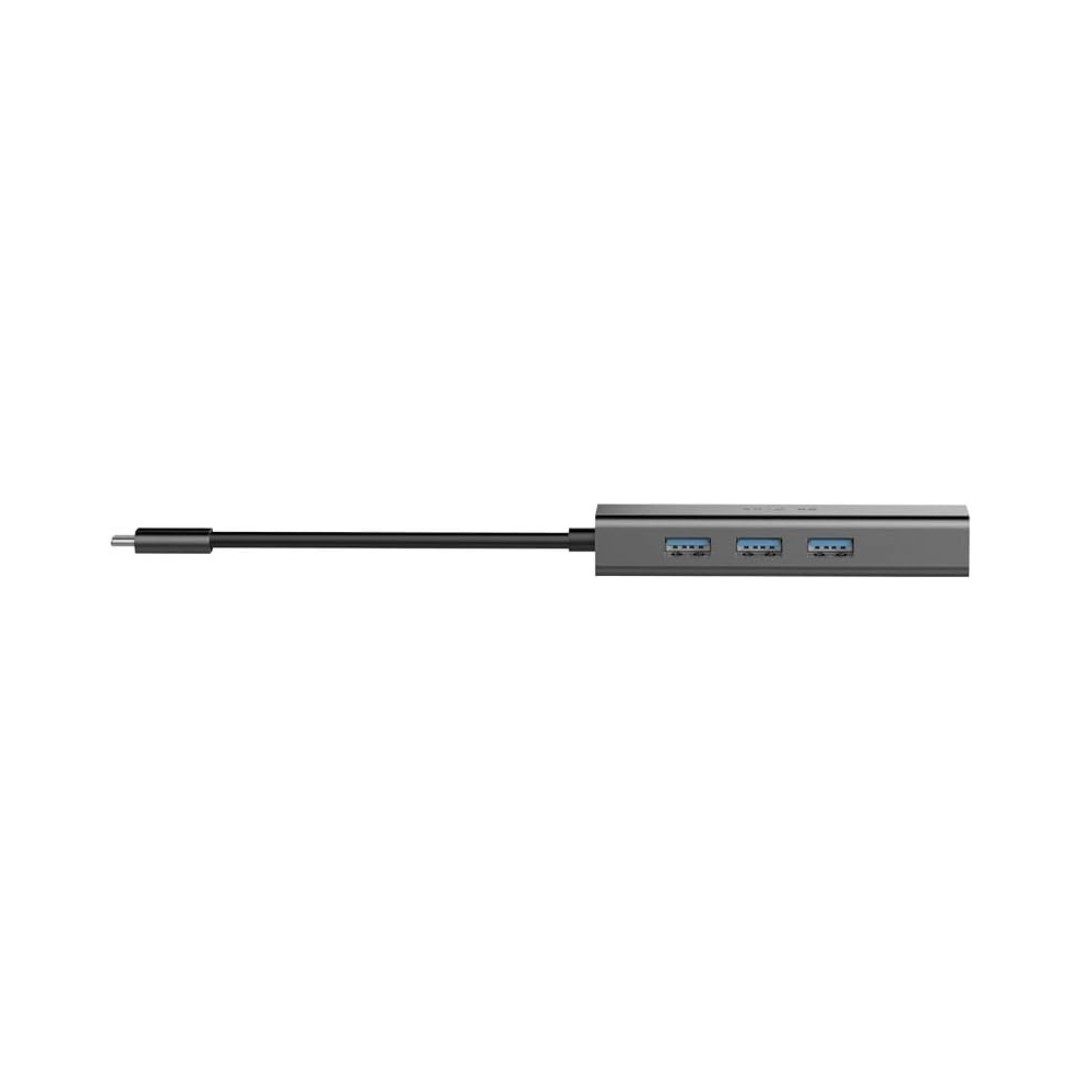
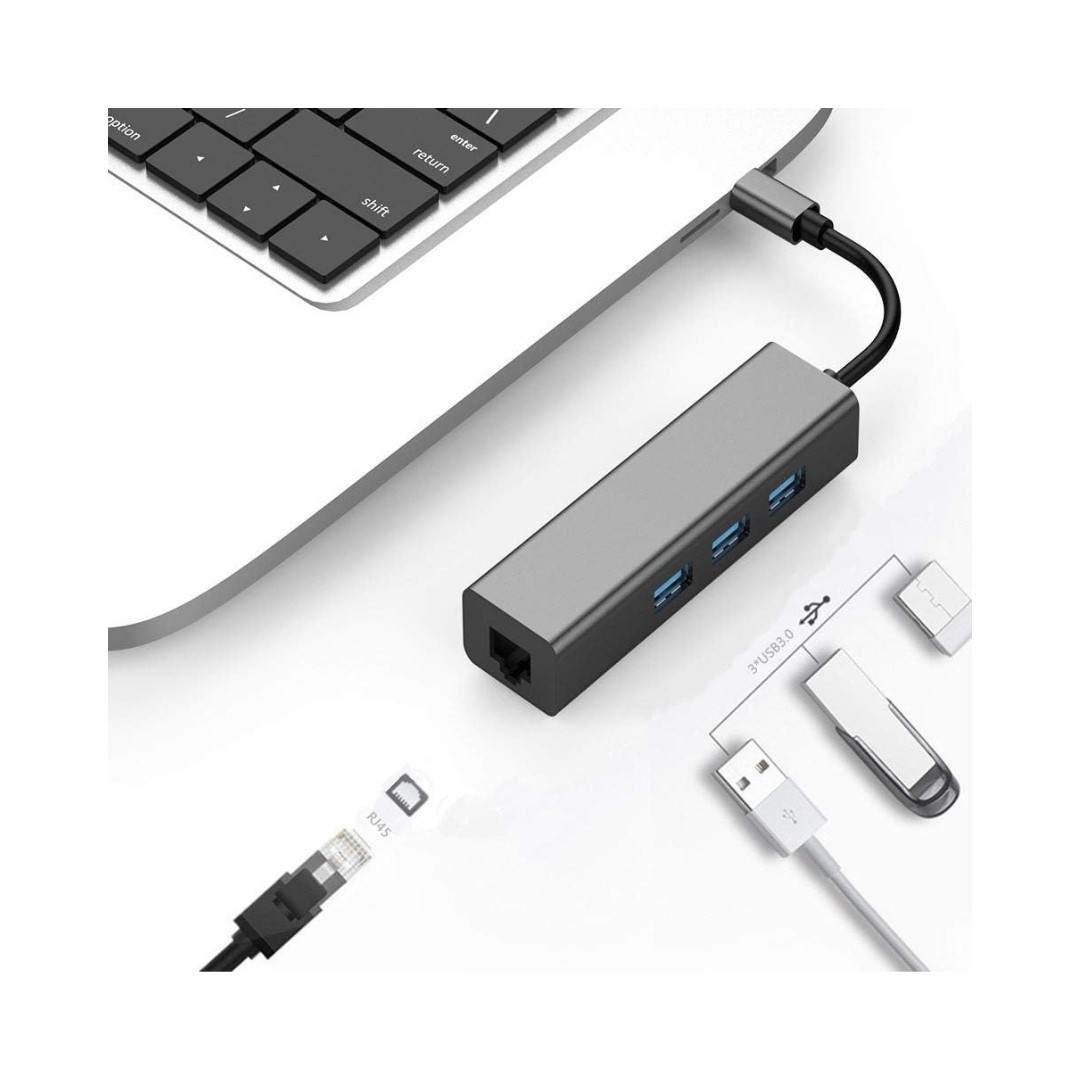
USB Type C to Ethernet with 3 Usb Hub Adapter

  • Data transfer speed: Make sure the adapter supports data transfer speeds of at least 5 Gbps.
  • Ethernet speed: Make sure the adapter supports Gigabit Ethernet (1000 Mbps).
  • Number of USB ports: Choose an adapter with the number of USB ports that you need.
  • Compatibility: Make sure the adapter is compatible with your laptop’s operating system

KSh 1,999.00 Exclusive of 16% VAT

Description

USB Type C to Ethernet with 3 Usb Hub Adapter

USB Type-C to Ethernet with 3 USB Hub adapters are a great way to add more connectivity to your laptop. They allow you to connect your laptop to a wired network and also add three additional USB ports. This can be useful for connecting peripherals such as a mouse, keyboard, external hard drive, or printer.

These adapters typically support data transfer speeds of up to 5 Gbps, which is the same speed as USB 3.1. They also support Gigabit Ethernet, which means you can get speeds of up to 1000 Mbps.

Here are some of the benefits of using a USB Type-C to Ethernet with 3 USB Hub adapter:

  • Faster data transfer speeds: With data transfer speeds of up to 5 Gbps, you can transfer files, photos, and videos much faster than with a standard USB 2.0 adapter.
  • More connectivity: The three additional USB ports give you the freedom to connect more peripherals to your laptop.
  • Plug-and-play: These adapters are easy to use, simply plug them into your laptop and you’re ready to go.
  • Wide compatibility: These adapters are compatible with most laptops, tablets, and smartphones.

Here are some additional things to consider when choosing a USB Type-C to Ethernet with 3 USB Hub adapter:

  • The size and weight of the adapter: If you’re going to be traveling with the adapter, you’ll want to make sure it’s not too big or heavy.
  • The build quality of the adapter: Make sure the adapter is well-made and durable.